 KreaPDF
A PDF workbench for the Mac
Your PDFs stay on your Mac.
KreaPDF reads, organizes, annotates, redacts and signs PDFs in one window. No account, no upload, no subscription.
Tools for everyday work
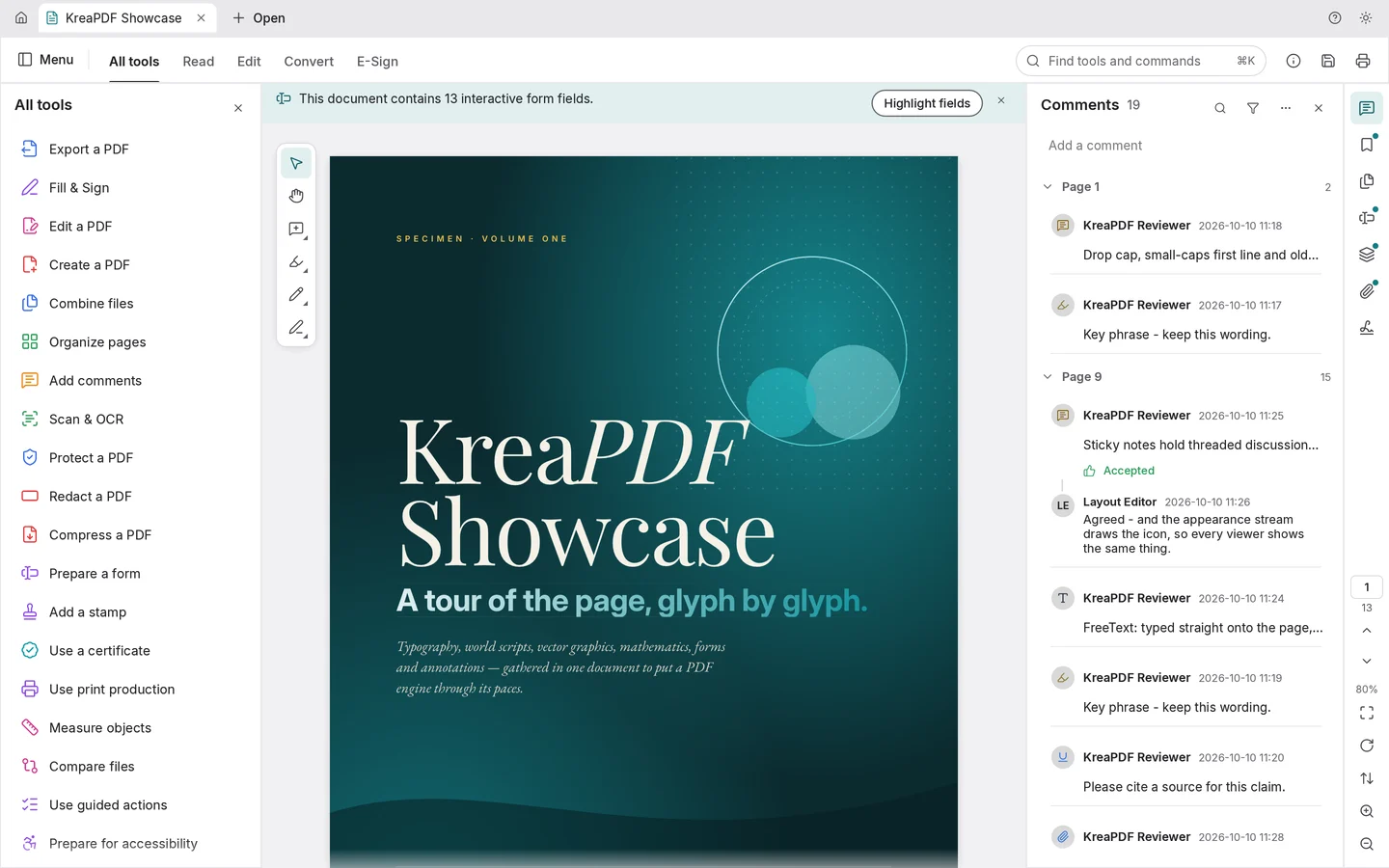
What happens to a PDF in an office happens here, in one window. Large documents included.
read
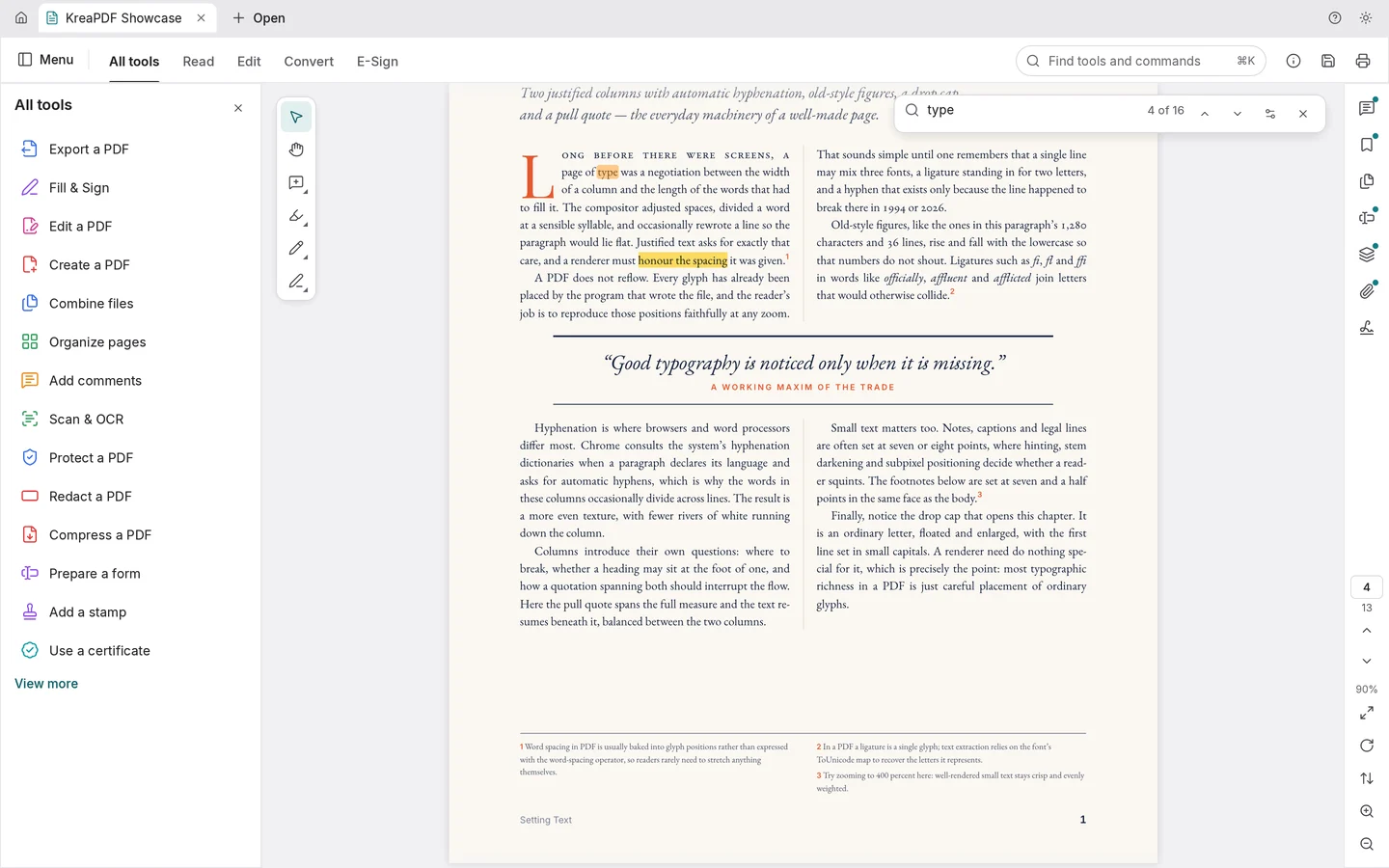
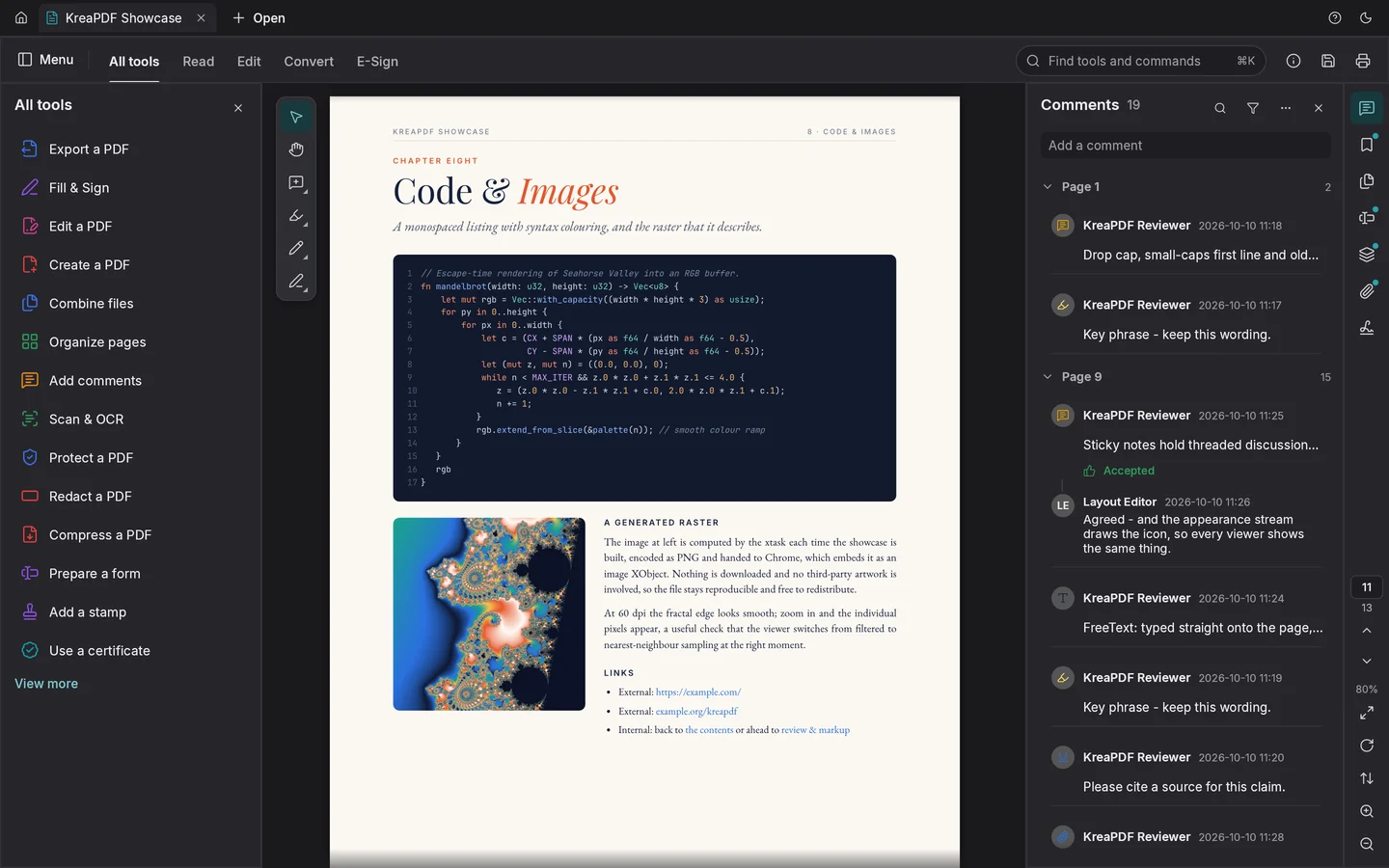
Bookmarks, layers, attachments and comments sit next to the page. Search the whole document, or read two pages side by side.
organize
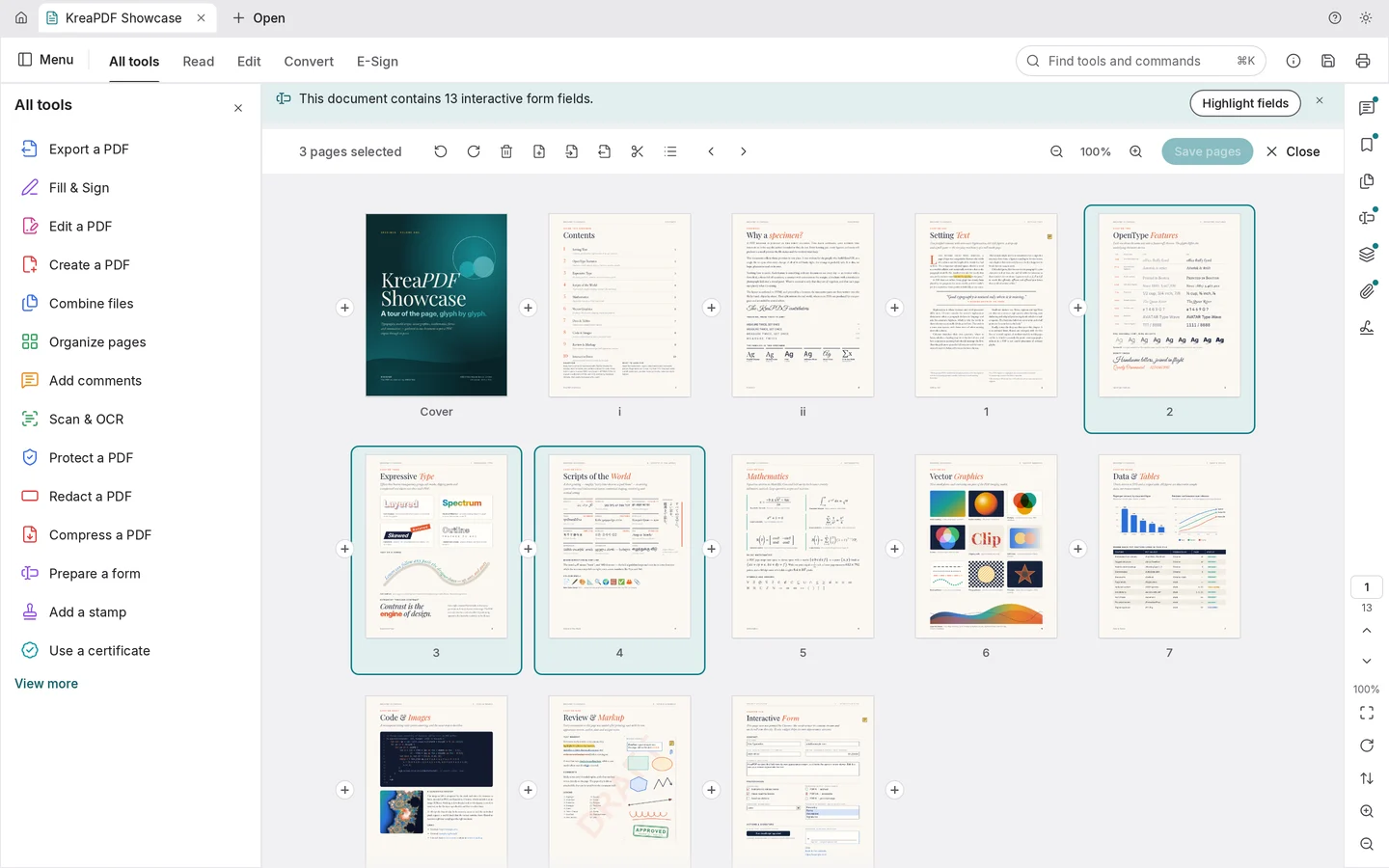
Reorder, rotate, delete and extract pages. Combine several files into one, or split a document by page count or at chosen pages.
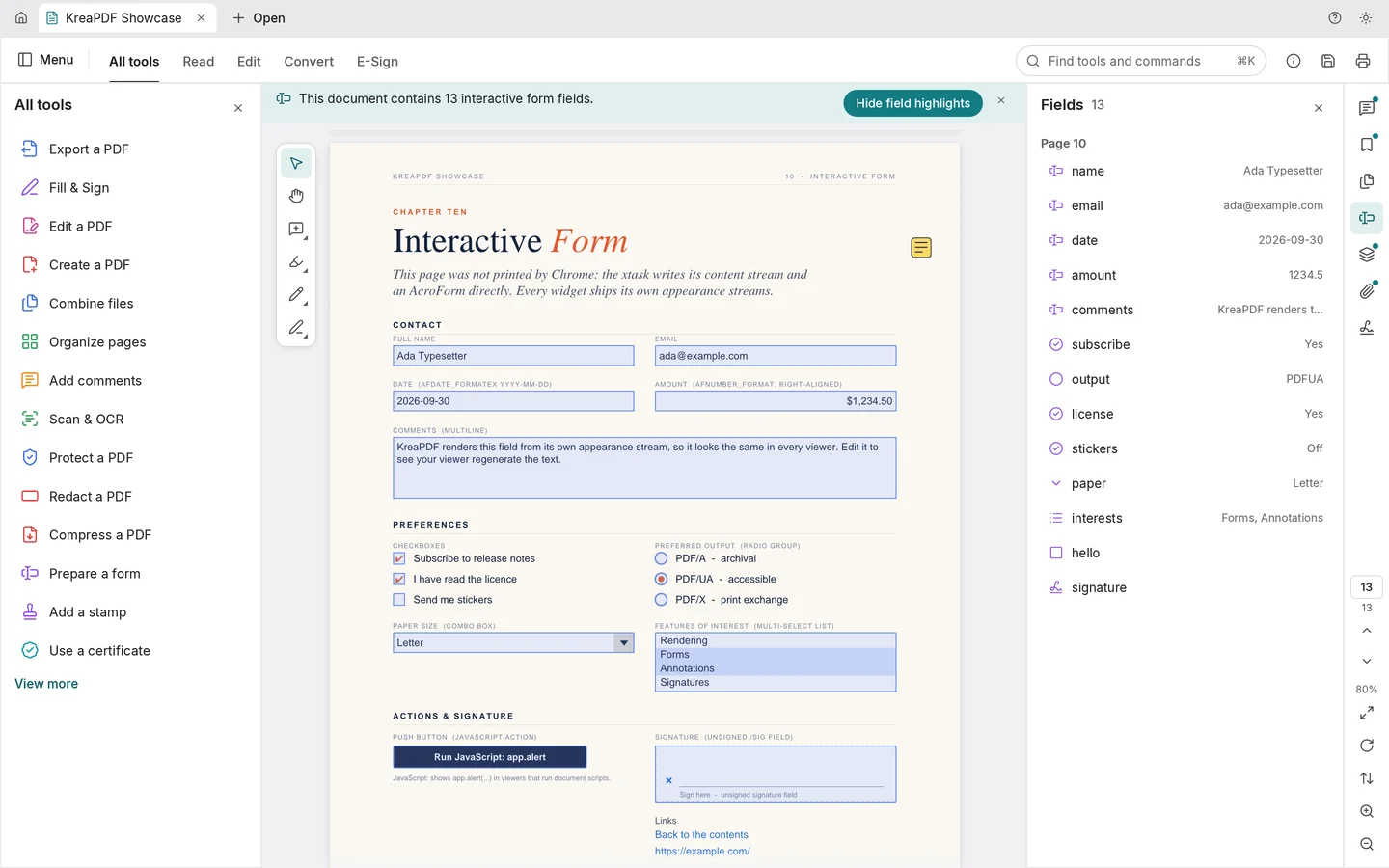
comment and fill in
Highlight, underline, add notes and stamps. Fill in forms and place your signature.
protect
Set a password, redact text and images for good, and remove hidden information before a file leaves the building.
convert and repair
Run text recognition on scans, compress large files and export pages as images.
Light or dark
The app follows the system or your choice. The pages of your document stay as they are.
Properties
The facts about the app, set the way a PDF keeps its own.
- Title
- KreaPDF
- Publisher
- KREATIKA Maximilian A. Grimm, Nuremberg, Germany
- System
- macOS 11 or later, Apple silicon and Intel
- Price
- €4.99 once on the Mac App Store, no subscription, no in-app purchases
- Account
- None. There is nothing to sign in to.
- Network
- The Mac App Store edition makes no connections. Documents do not leave your Mac.
- Analytics
- No telemetry, no advertising.
- Languages
- English, German, French, Spanish, Italian, Portuguese (Brazil), Czech, Hungarian, Bulgarian, Russian, Ukrainian, Japanese, Chinese (Simplified and Traditional), Telugu